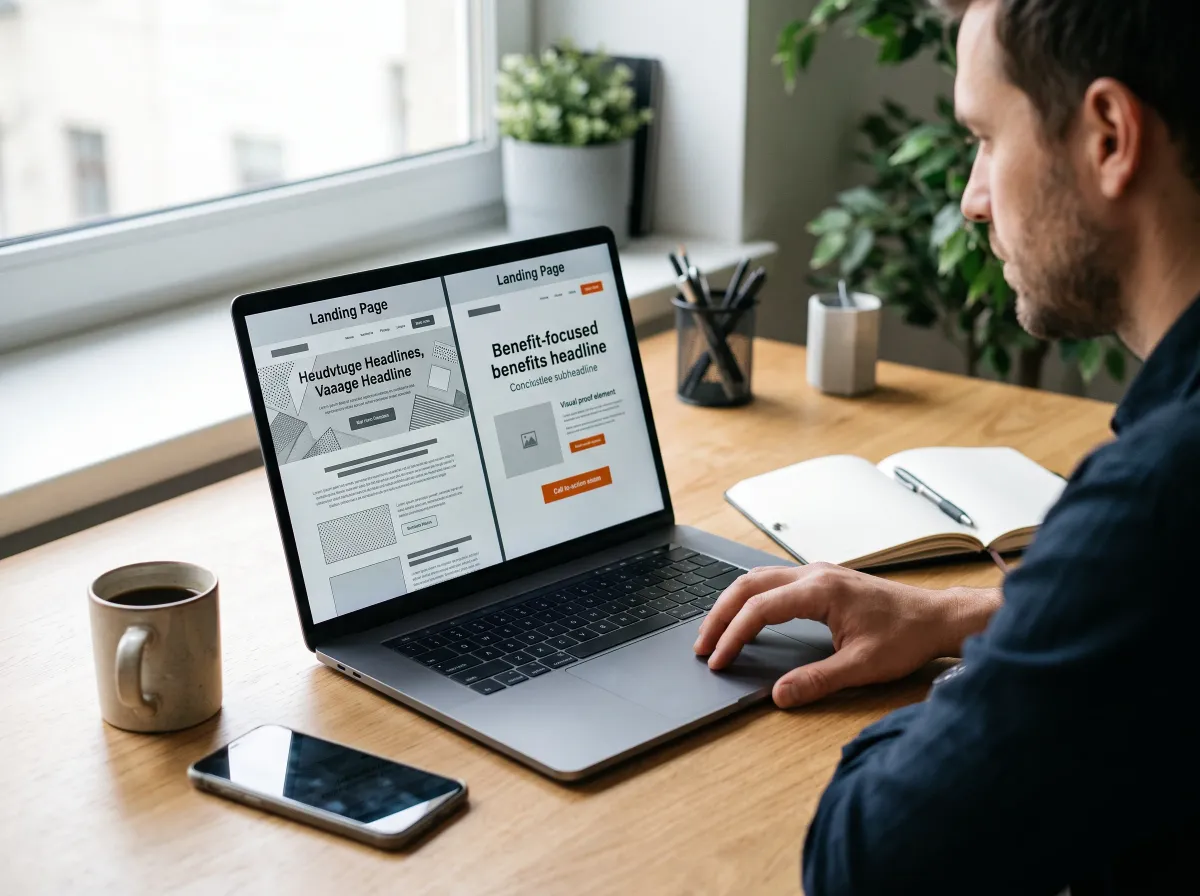
How to Write Landing Page Copy That Actually Converts
A visitor decides in a few seconds whether your page is worth their time. Landing page design gets them to look, but the copy decides whether they act. Good copy answers two questions fast: is this for me, and what do I do next? Everything else is noise.
Book a Strategy Call
Stop Losing Clicks to Copy Nobody Understands
You paid for that click. If the page greets the visitor with vague slogans, a wall of features, and a button that says Submit, they leave confused and call someone clearer. Confusing copy doesn't just underperform. It quietly sends ready buyers to competitors who explained themselves better.
And writing about your own business is hard. You know your work so well that it's tough to see it through a stranger's eyes. Most owners end up describing what they do instead of what the customer gets. This guide fixes that, one section of the page at a time.
Write Each Section the Way Visitors Read It
This guide follows the order a visitor reads: headline, subheadline, benefits, proof, objections, and button. Most sections include a before-and-after example for a local heating and cooling company, so you can adapt each pattern to your own offer instead of staring at a blank page wondering where to begin.
1) Start With One Visitor and One Promise
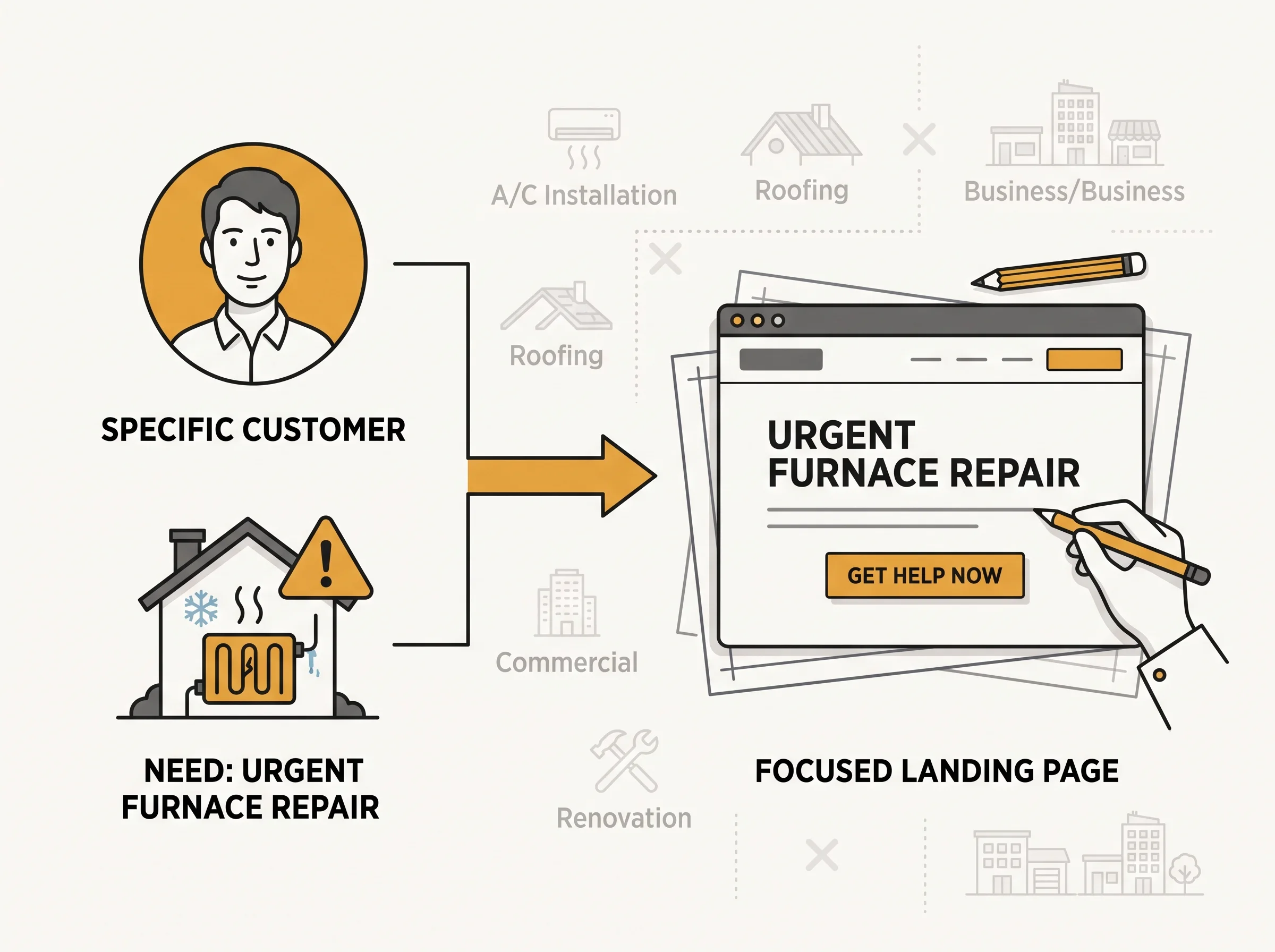
Before writing a word, decide who the page is for and what single offer it makes. A page trying to speak to everyone usually speaks clearly to no one. If you offer emergency repairs and seasonal maintenance, build two pages, because each visitor arrives with a different problem.
Write the visitor's situation in one sentence, like a homeowner with a leaking roof who wants a trustworthy estimate this week. That person is the hero of the page. Everything on it should help them win. If a sentence doesn't help them decide, it belongs somewhere else, or nowhere.
2) Write a Headline That States the Benefit
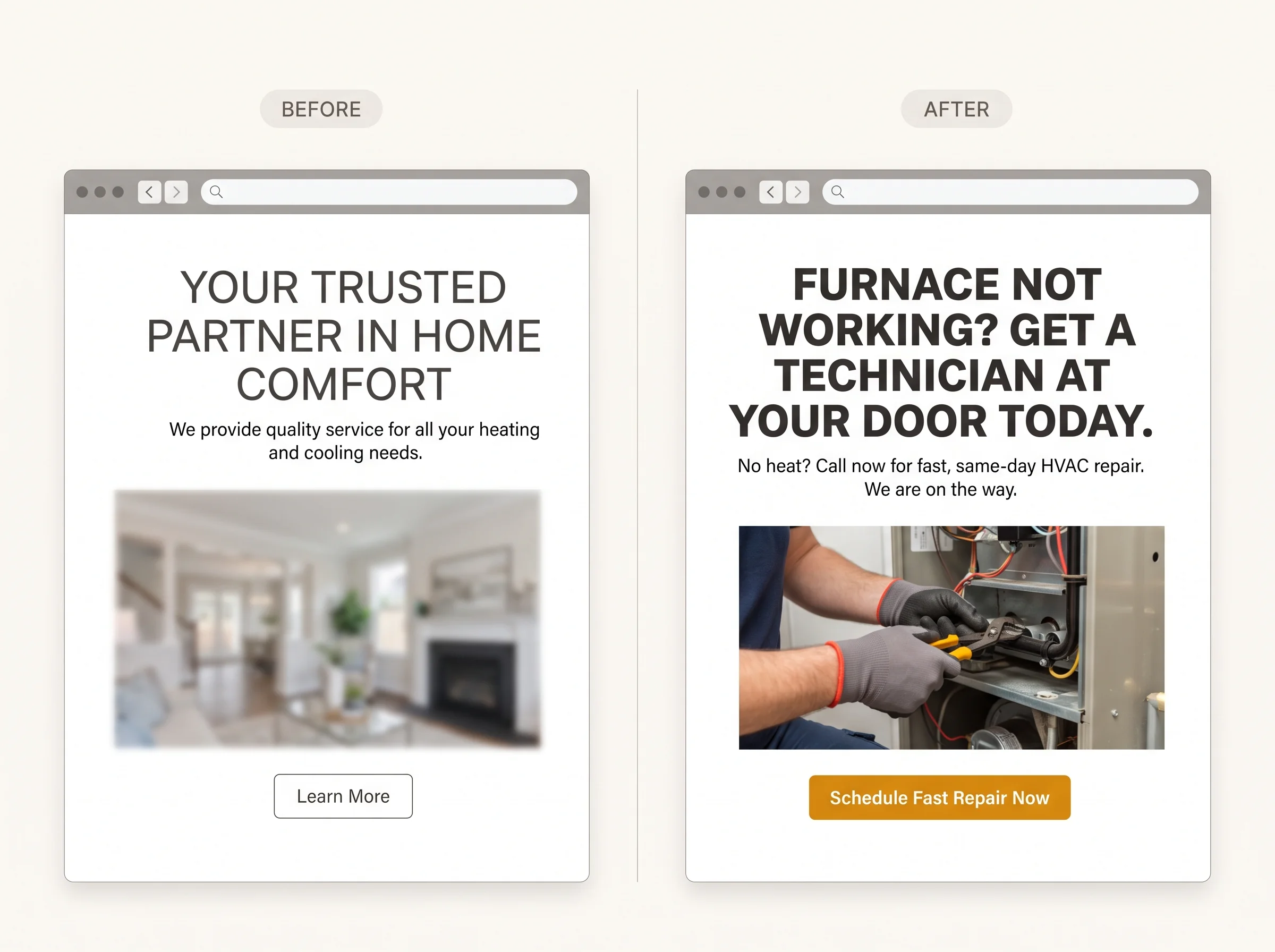
The headline carries most of the weight in landing page design. It should name the outcome the visitor wants in plain words, ideally echoing the ad or search that brought them. Clever wordplay usually costs clarity, and clarity is what keeps a skeptical visitor reading past the first line.
Before: "Your Trusted Partner in Home Comfort"
After: "Furnace Not Working? Get a Technician at Your Door Today"
3) Use the Subheadline to Answer How and For Whom
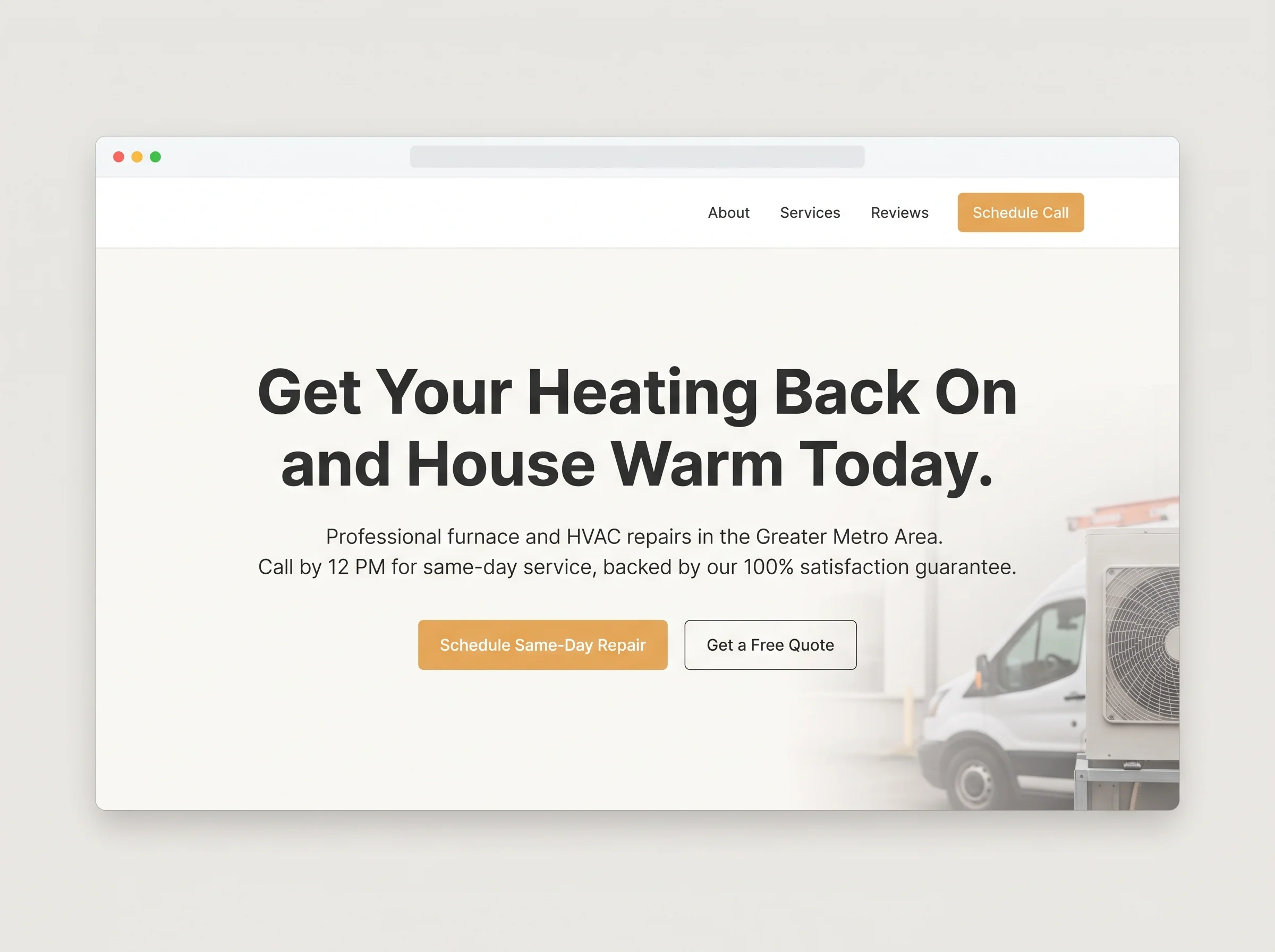
The subheadline adds the specifics the headline leaves out. It can name the service area, the timeframe, or who the offer is for. One sentence is plenty. Think of it as the line that moves a visitor from interested to reassured that this page really applies to them.
Before: "We offer a full range of heating and cooling services."
After: "Licensed local technicians, same-day appointments, and a clear estimate before any work begins."
4) Lead With Outcomes, Then Back Them With Features
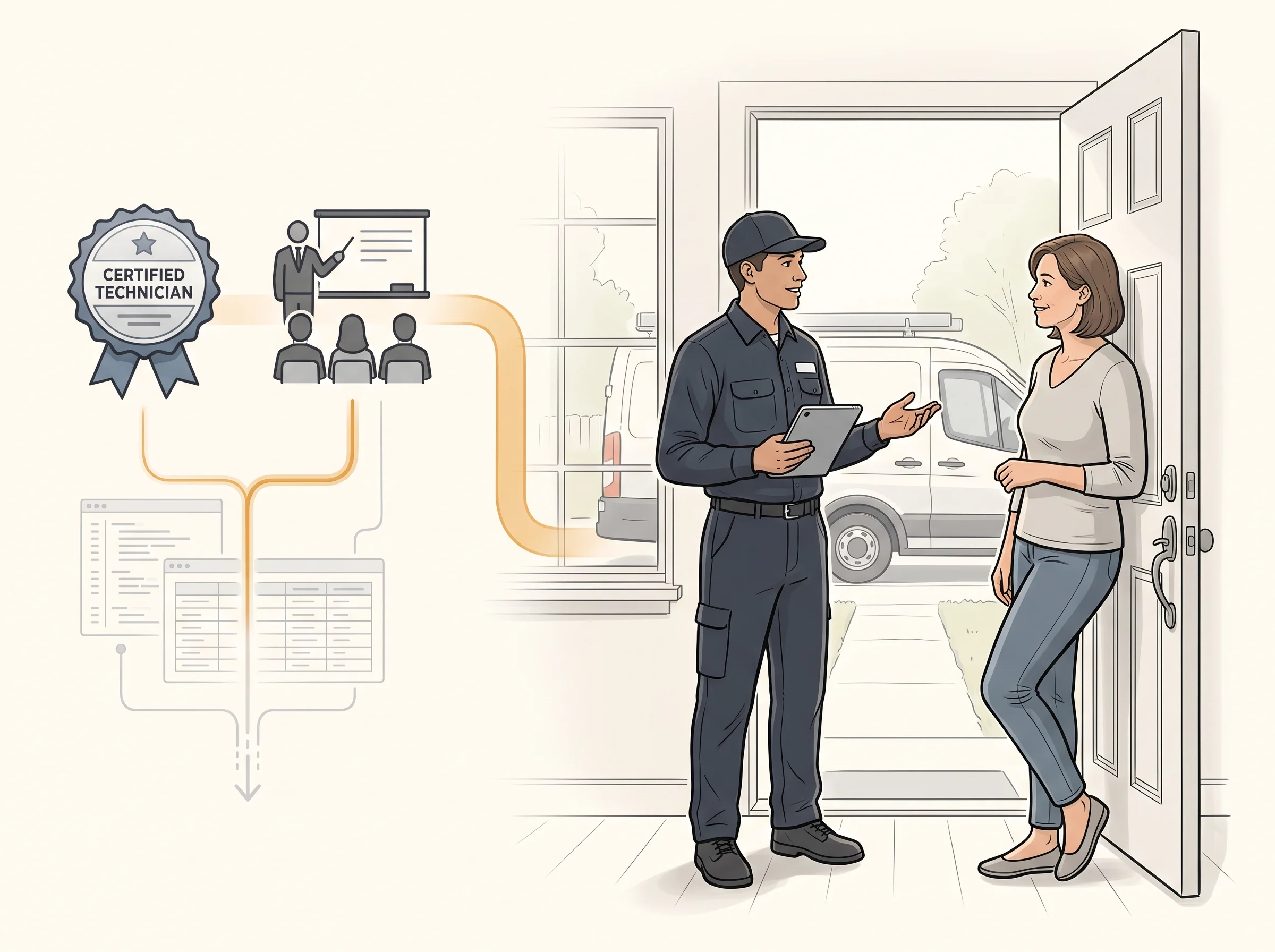
Visitors care about what changes for them, not how your process works. A feature describes what you do. A benefit describes what the customer gets. Lead with the benefit, then add the feature as the reason to believe it, and keep the list short enough to scan in seconds.
Before: "Certified technicians with extensive training"
After: "A technician who arrives on time and explains the problem before touching anything"
5) Add Proof Near the Decision Point
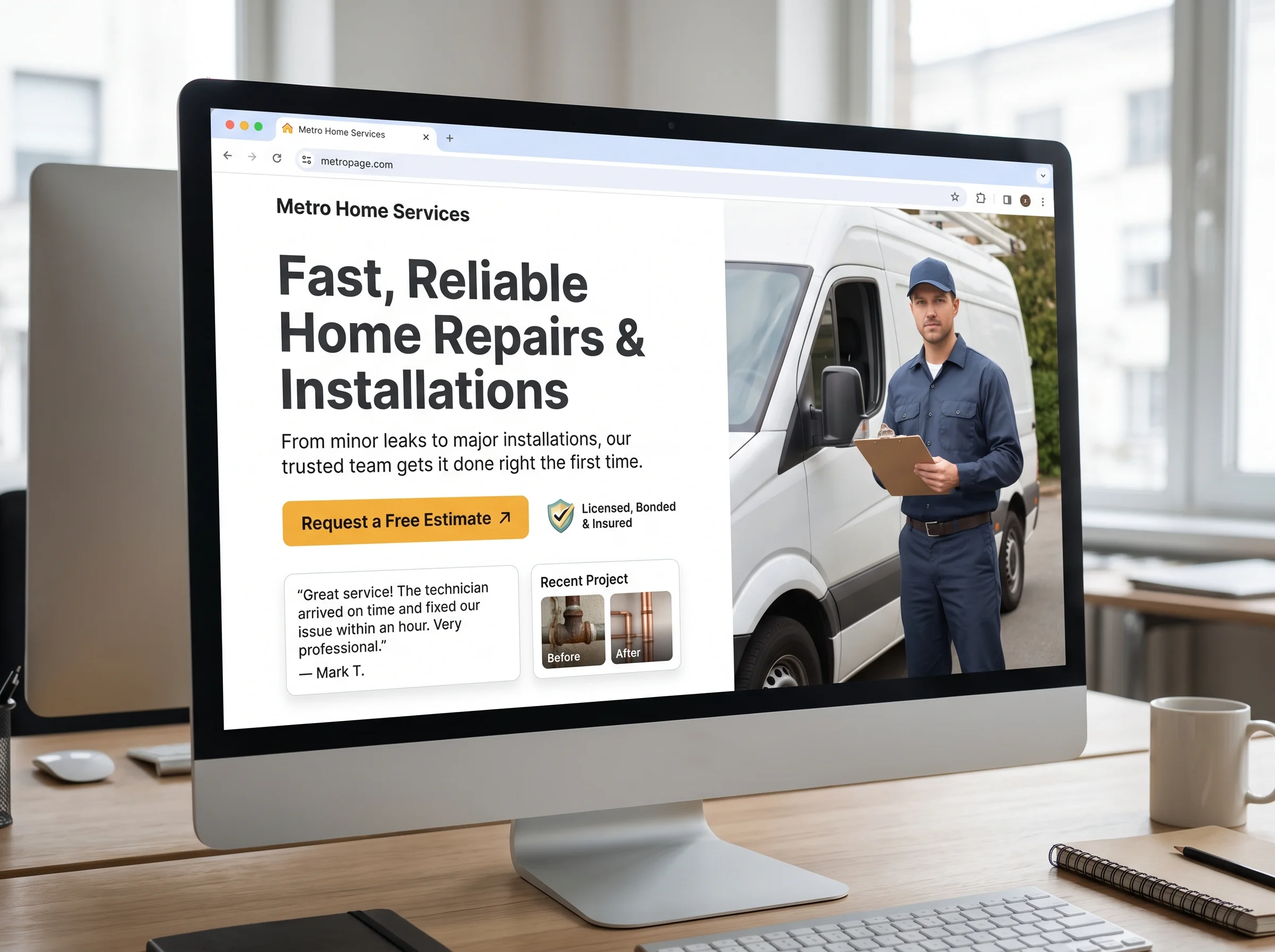
Claims are easy to make, so visitors look for evidence. Put proof close to the button, where doubt runs highest: a short customer review, a project photo, a license or insurance mention, or a clear guarantee. One specific review beats a full paragraph of general praise about your quality.
Specifics make proof believable. A review that mentions the problem, how fast you responded, and how it turned out carries more weight than a star rating alone. No reviews yet? Use a before-and-after photo set or a short description of a recent job, with the owner's permission.
6) Answer the Worries Visitors Won't Say Out Loud
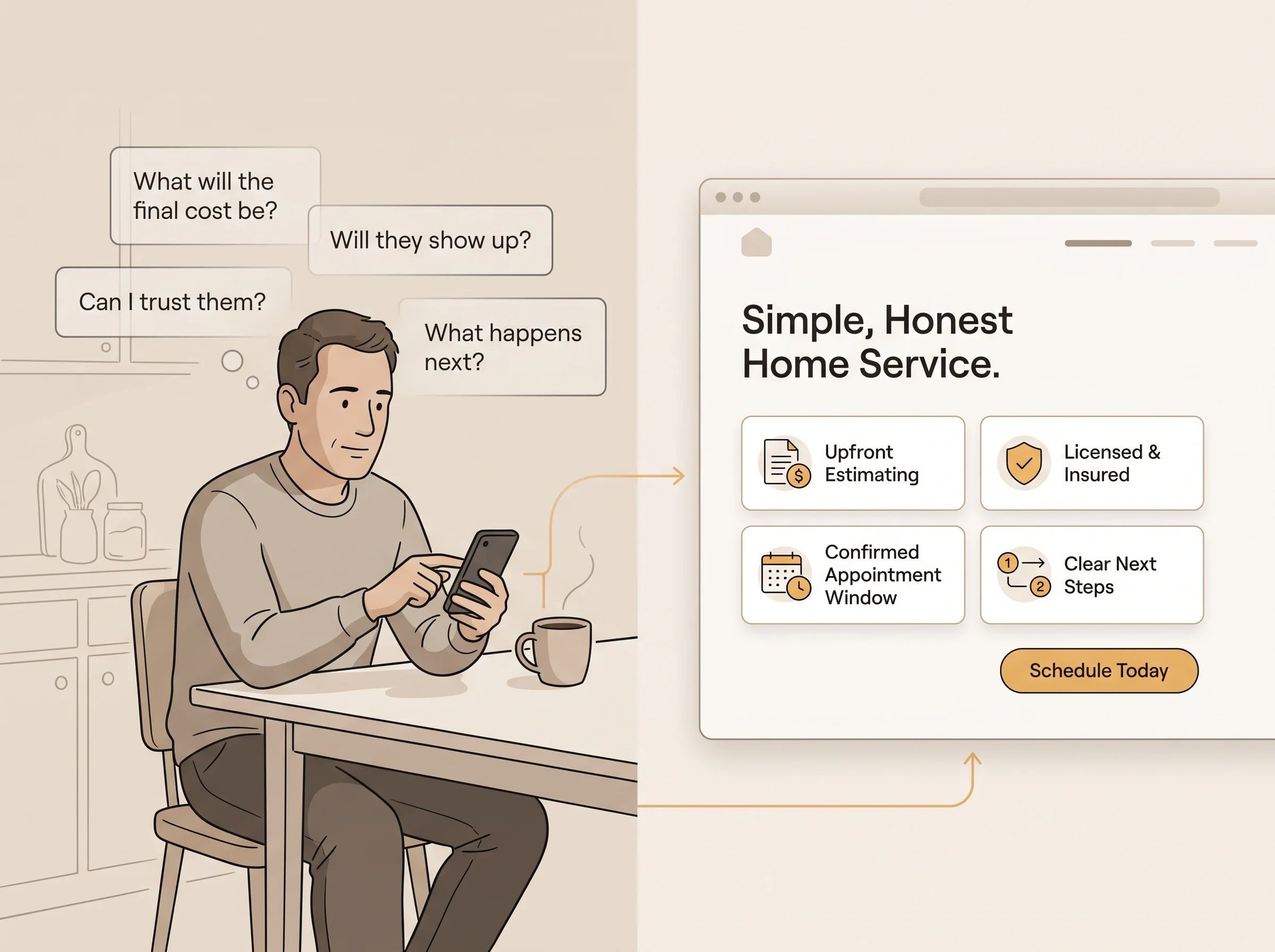
Most visitors carry a worry they never type into the form. Will this cost more than I expected? Can I trust these people? Will anyone actually show up? Naming those worries calmly on the page removes friction. Silence leaves visitors to assume the worst and quietly leave.
You can answer them without quoting prices. Where it's true, say that estimates are clear and given before work starts, that your team is licensed and insured, and that you confirm appointment windows by text. Each line answers a hidden question, and together they make the next step feel safe.
Write a Button That Says What Happens Next
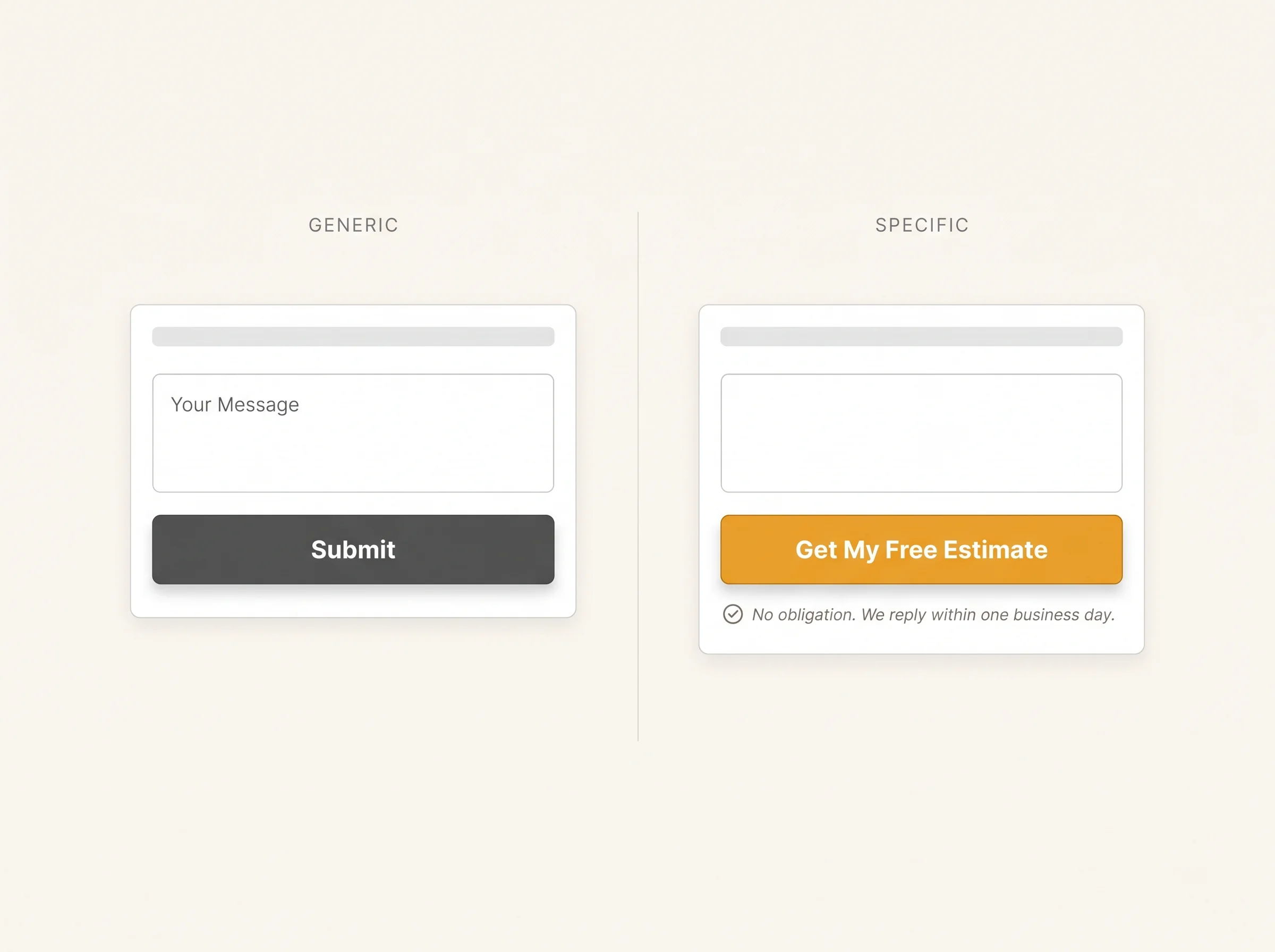
A button that says Submit tells the visitor nothing. Button text should describe what they get, like Get My Free Estimate or Book My Appointment. Specific wording reduces uncertainty, and a short line of reassurance underneath, such as no obligation and a reply within one business day, lowers hesitation further.
Before: "Submit"
After: "Get My Free Estimate," with "No obligation. We reply within one business day." underneath
Edit for Clarity Before You Publish

Read the page out loud. Any sentence you stumble over, or that sounds like marketing language instead of a person talking, needs rewriting in plain words. Then cut anything that doesn't help the visitor decide. Shorter pages often win when the offer is simple and the visitor is ready.
Does the headline name the outcome the visitor wants?
Does the first screen match the ad or search that brought them?
Is there one clear button, with proof nearby?
Are the top worries answered in plain words?
Does the page work well on a phone?
Don't Let Great Copy Lead to a Slow Reply
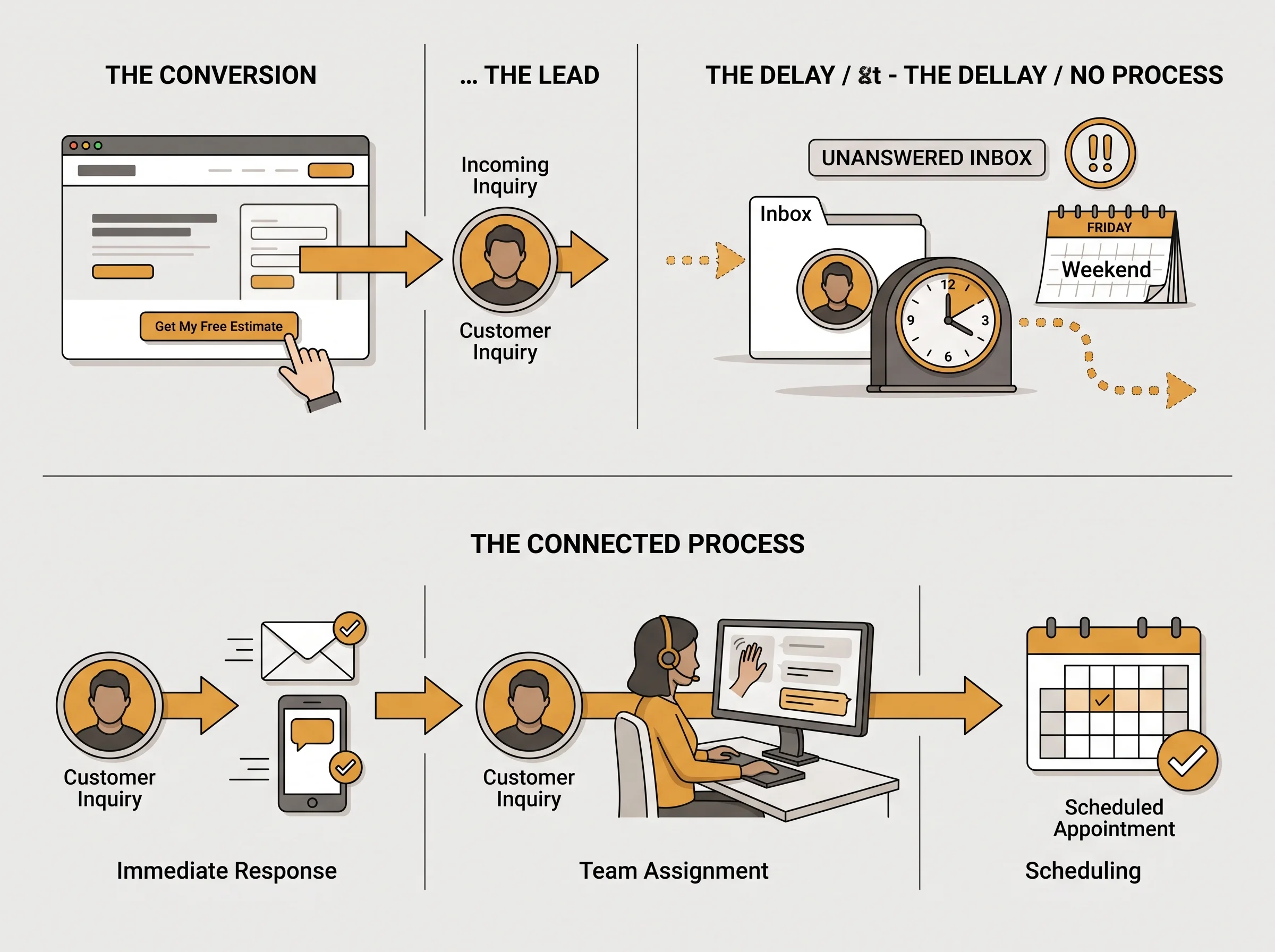
Even perfect copy fails if the lead it earns waits a day for an answer. The page did its job and the follow-up didn't, which means you paid for a click, earned the lead, and still lost the job. Copy and follow-up have to work as one system.
Improve the Page One Change at a Time
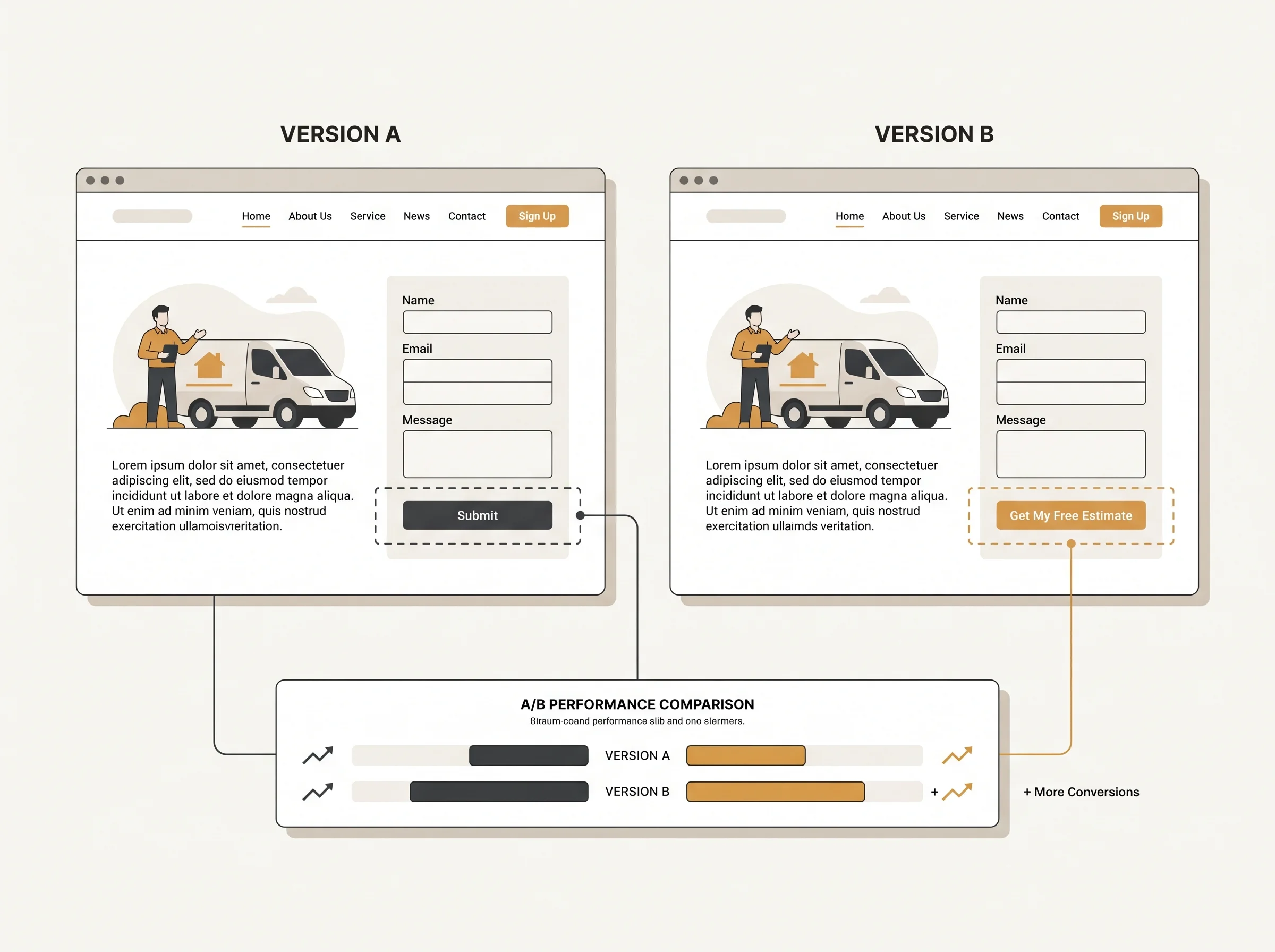
Copy works best as part of a testing habit. Change one element, like the headline or button text, and compare results over enough visits to mean something. That's how conversion optimization should work: one measured change at a time, so you always know exactly what made the difference.
Let GrokOn Write the Page and Answer the Leads
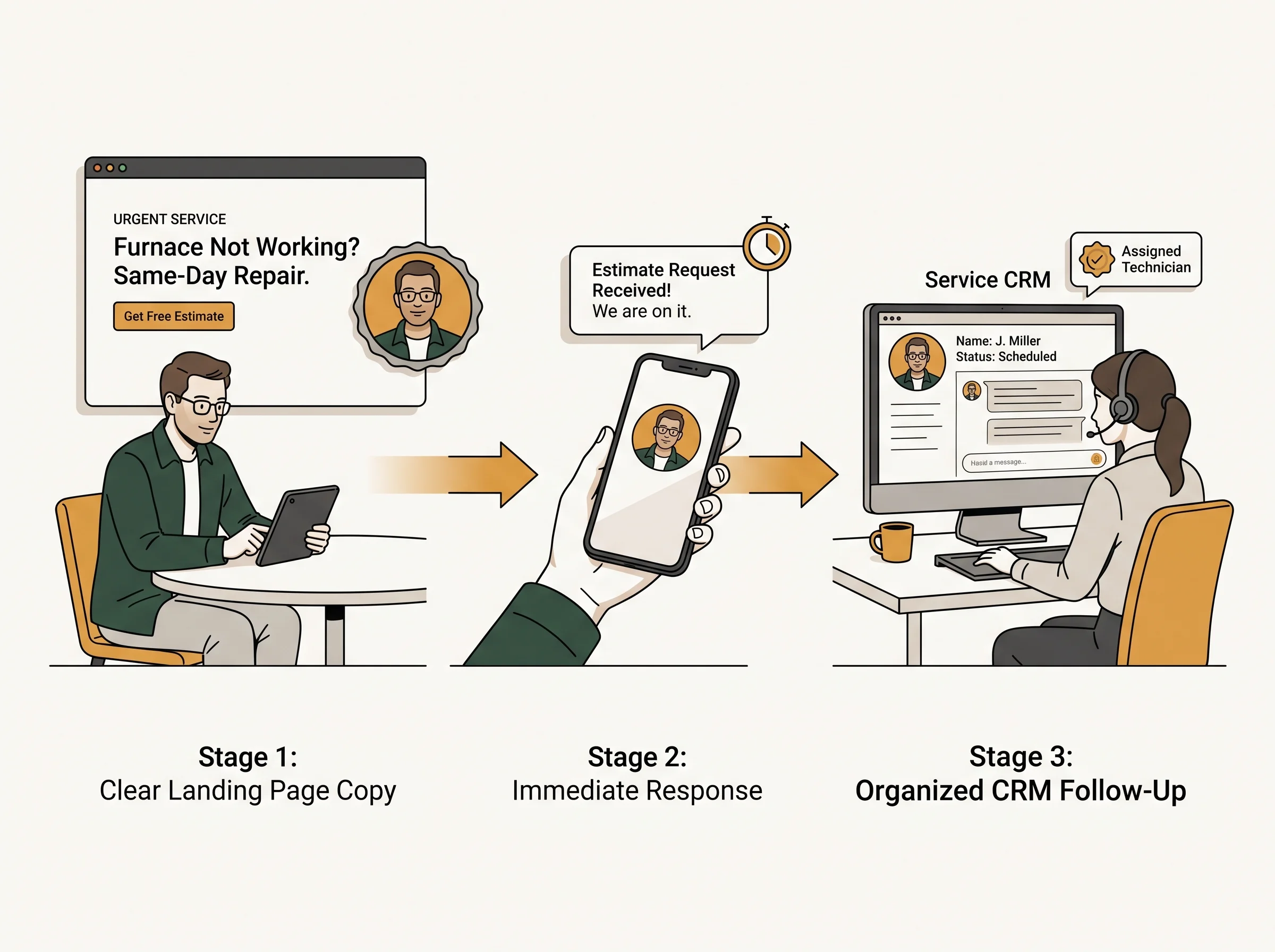
Nobody started a business to agonize over headlines and button text. GrokOn handles it. Our funnel and landing page optimization team rewrites your headline, benefits, proof, and button around the customer's real problem, then tests one change at a time so every improvement is measured, not guessed.
Behind the page, our AI and automation systems reply to every form within minutes, day or night, and our Smart CRM tracks each lead from first click to booked job. The promise your page makes is the promise your follow-up keeps.
Get a Page That Converts in Three Steps
Book a strategy call. We'll review your current pages and show you where visitors get confused.
Get your rewrite. We rewrite the headline, proof, and button around your customer, then set up simple testing.
Watch clicks turn into jobs. We keep testing and refining while fast follow-up turns every new lead into a conversation.
Picture a visitor landing on your page tomorrow. In seconds they know it's for them, they see proof from a neighbor, their worries are answered, and the button tells them exactly what happens next. They click, hear back in minutes, and book with you instead of the next search result.
Want landing page design and copy built around how your customers actually decide? Book a strategy call and we'll review your current pages, then rewrite the headline, proof, and button. Start with a conversation about conversion optimization, and we'll show you exactly what to change first.
Book a Strategy Call
Get Straight Answers to Common Questions
How long should landing page copy be?
As long as it takes to answer the visitor's questions, and no longer. A simple, low-commitment offer like an estimate request can work on a short page. A bigger or pricier decision usually needs more proof and more answers. Let the offer guide your landing page design, not a word count.
Should I test more than one headline?
Yes, once you have steady traffic. Test one change at a time so you know what caused any difference, and give each version enough visits to be meaningful. With low traffic, focus on making the first version clear and credible, then come back to testing as visits grow.
How do I know if the copy is working?
Compare the share of visitors who take action against the page's own earlier results. If the rate climbs and lead quality holds, the copy is working. Judge conversion optimization on lead quality as well as lead count, because a smaller group of ready buyers beats a crowd of casual browsers.